The only menubar app you'll (probably) ever need.

Clipboard history, notes, 2FA codes, scripts, battery and fan control in one panel. Music, calendar, weather and a file shelf in your notch.

Download for Mac

Free and open source.
2.6.0, macOS 26 or later.

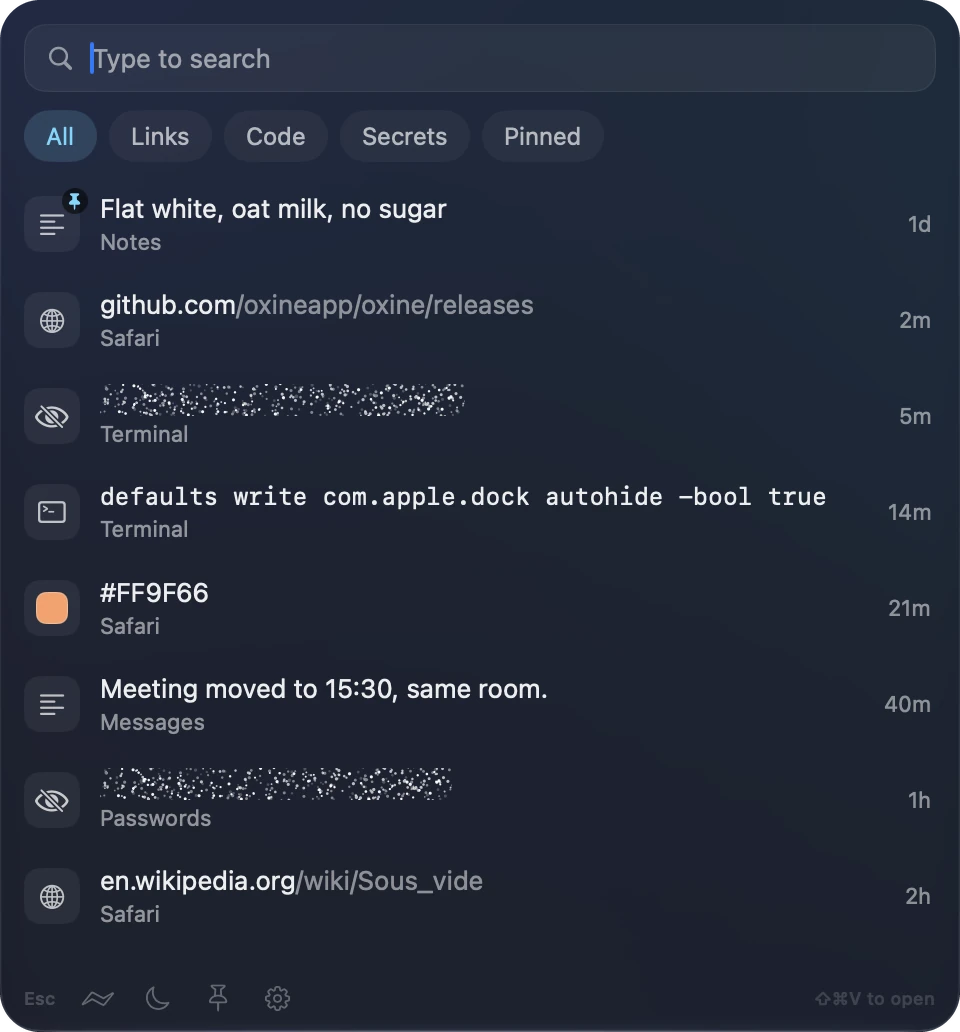
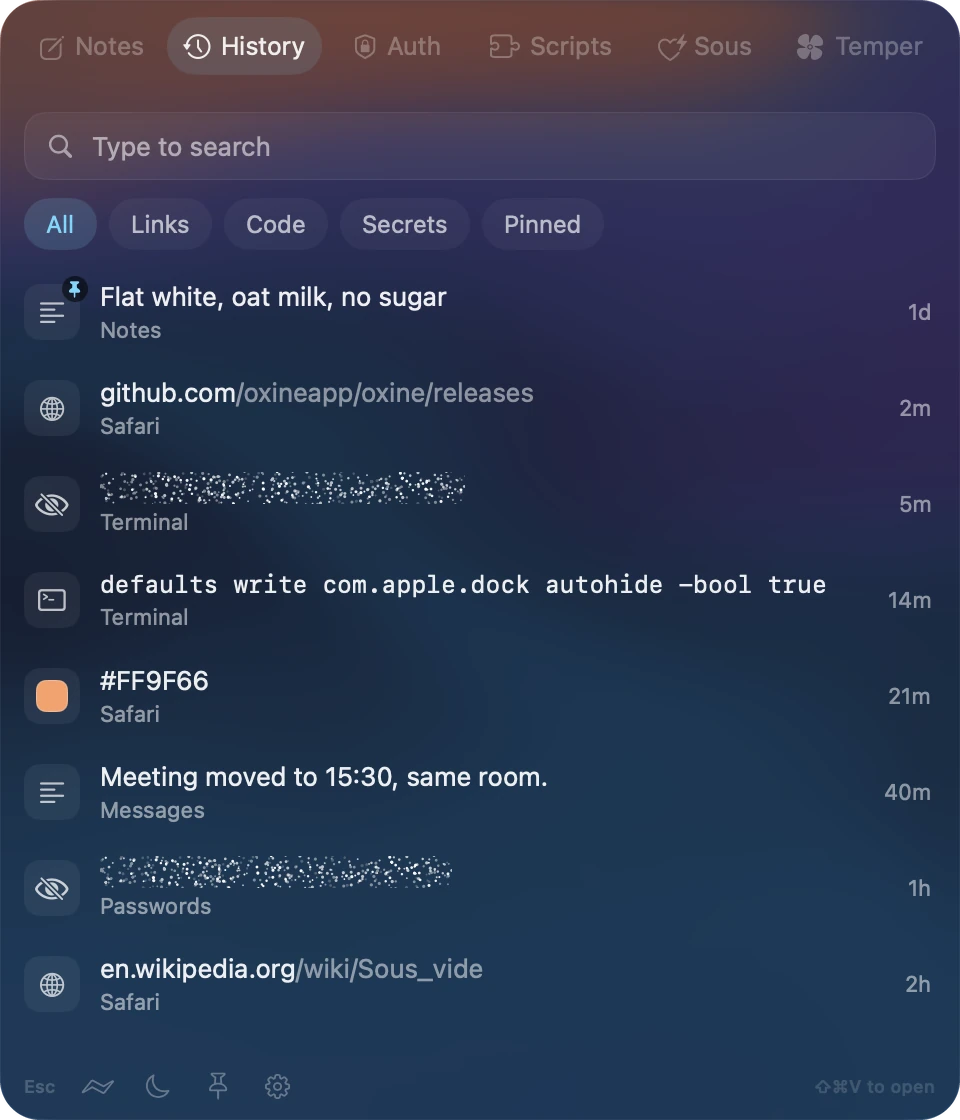
The History tab: a search box, filter chips and the things you copied, with secrets hidden under invisible ink.

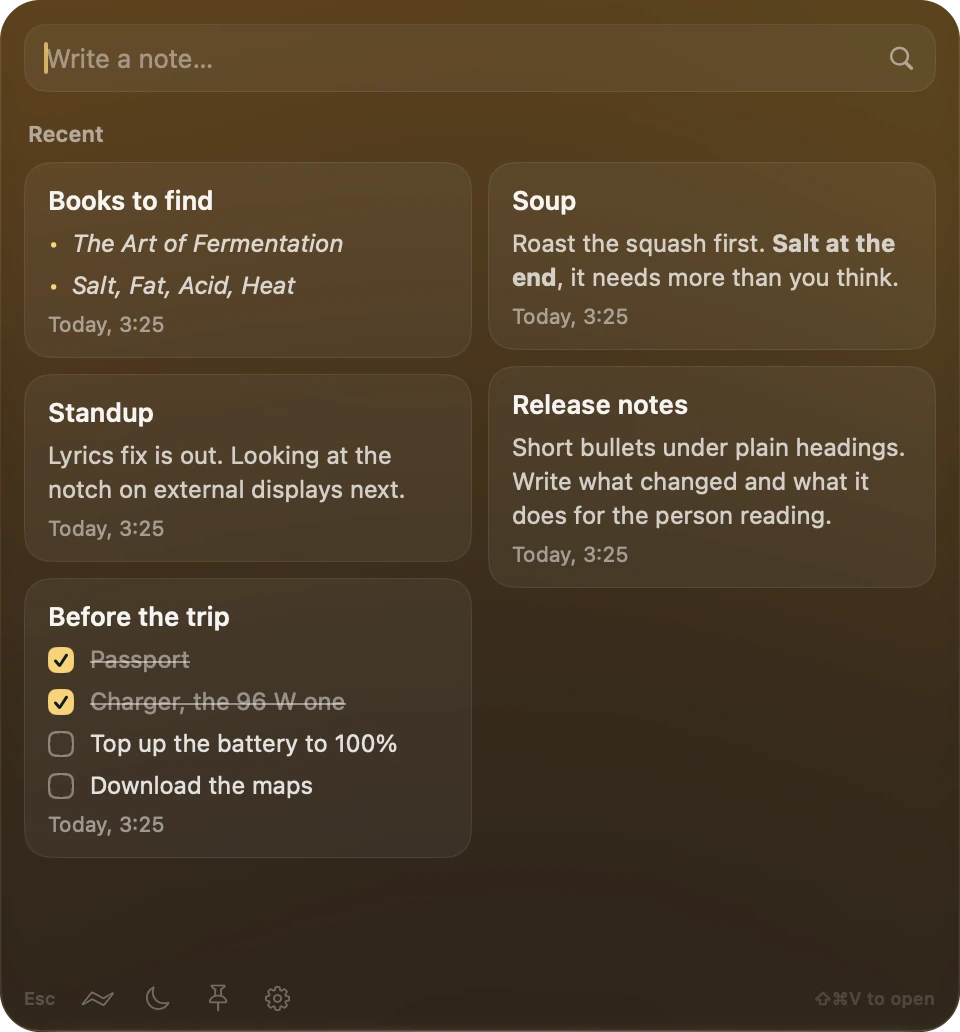
Plain Markdown files in a folder you choose. Write at the top, tick checklists right on the card, open any note in your own editor.

Everything you copied, searchable the moment the panel opens. Passwords and API keys stay under invisible ink, and the whole list lives in your keychain.

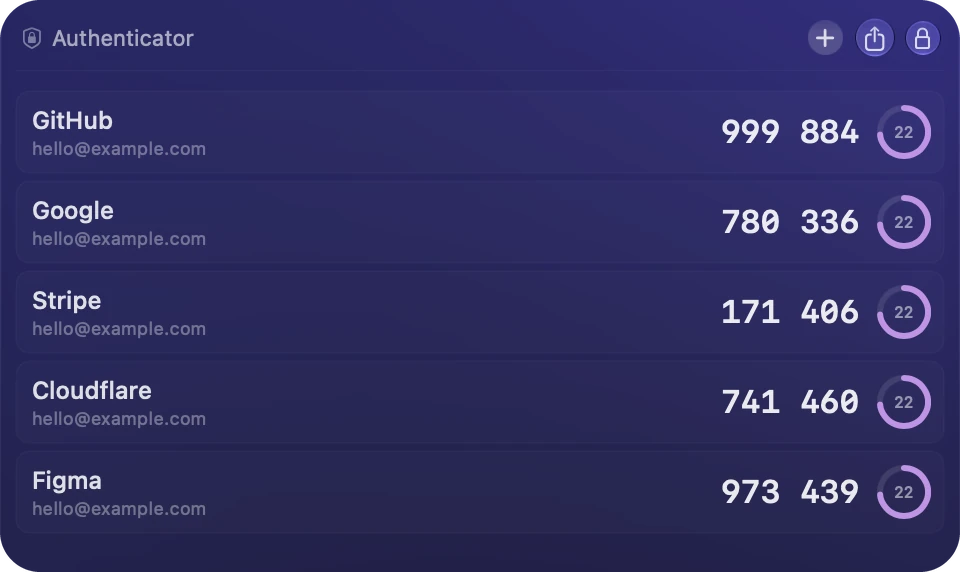
Your 2FA codes, locked with Touch ID. Export them as Google Authenticator transfer codes whenever you like.

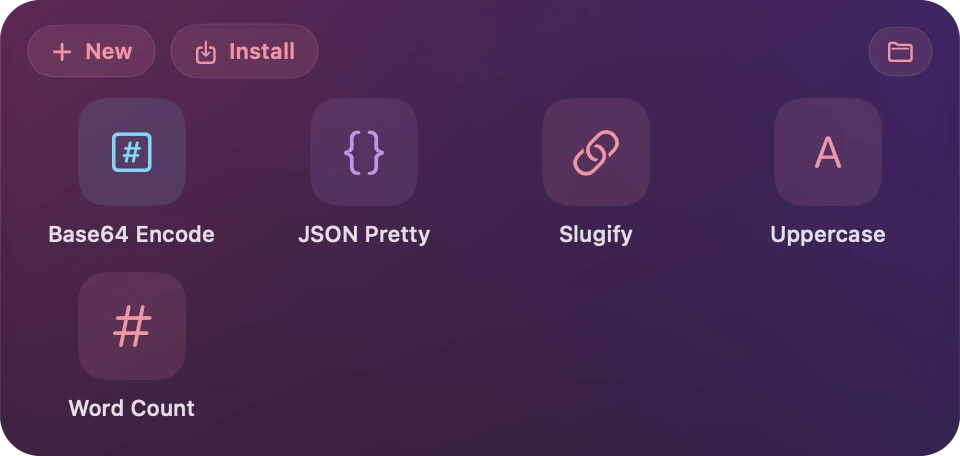
Small scripts in any language, one tap away. They take your clipboard or latest note, and copy, save or show the result.

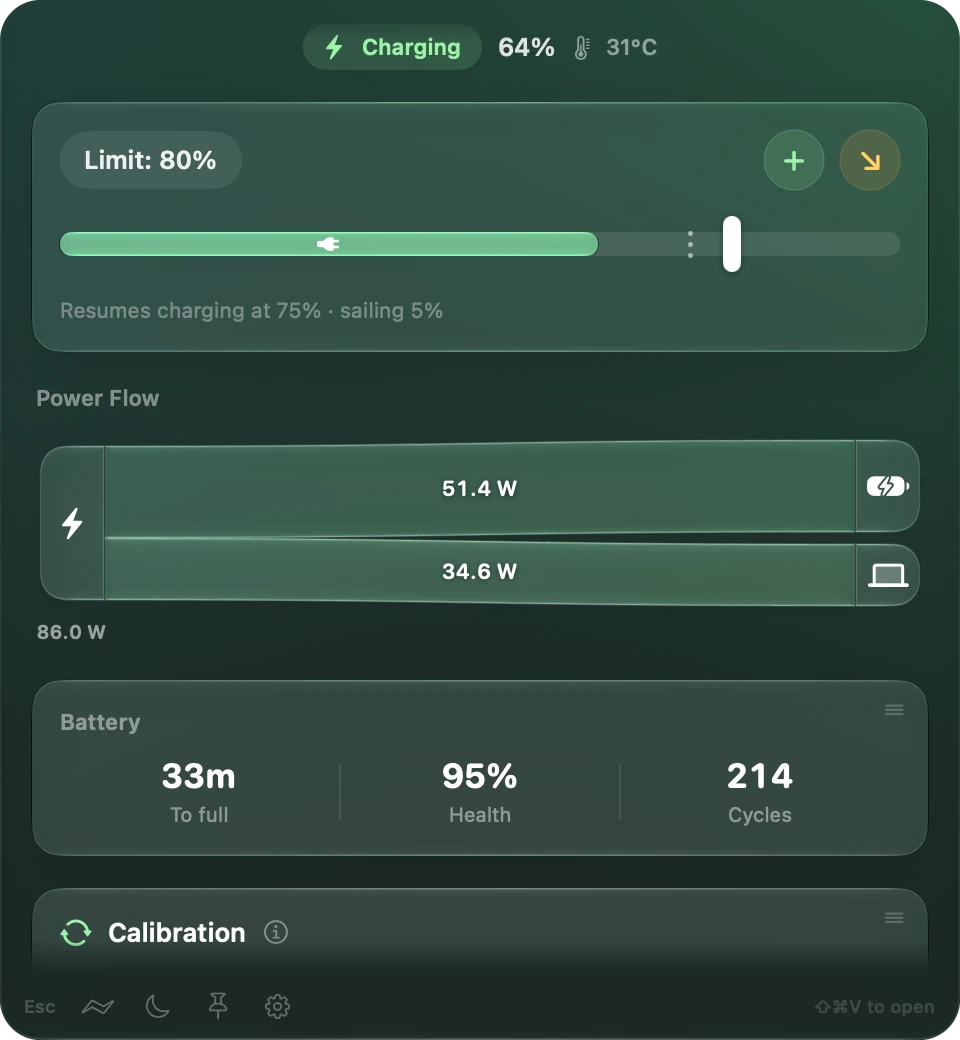
Battery health: charge limit, sailing, heat protection. It also shows where the power is going, and runs a calibration.

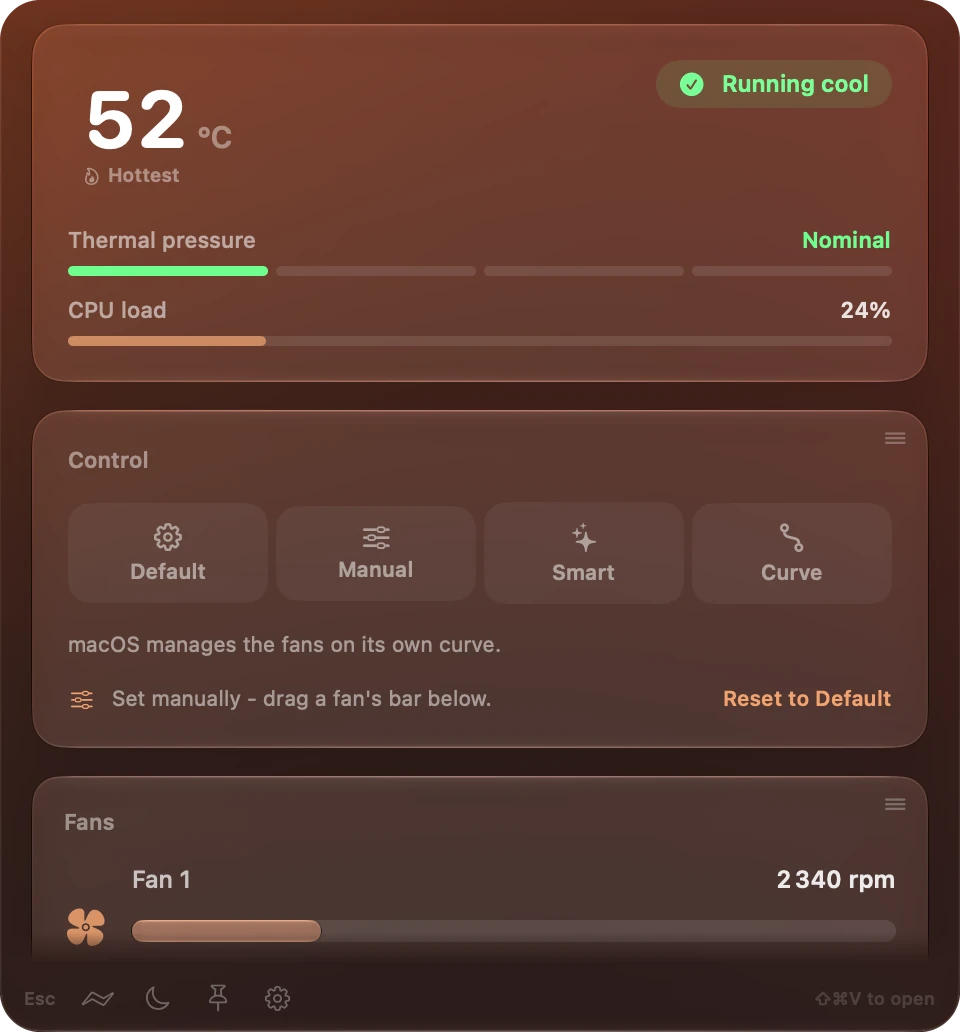
Temperatures, thermal pressure and fan control. Leave the fans to macOS, set them by hand, or draw a curve.

The panel is a screenshot, and its tabs work. You can also grab the ball and spin it.

Point at the notch.

Music, calendar, weather and files when it's open. Your agents and notices when it's closed.

What it does all day

Real screenshots, one after another. Click to skip ahead.

  1. Closed, it shows what's playing.
  2. You plug in. It shows the charger's wattage.
  3. Point at it and it opens: your song, and what's next.
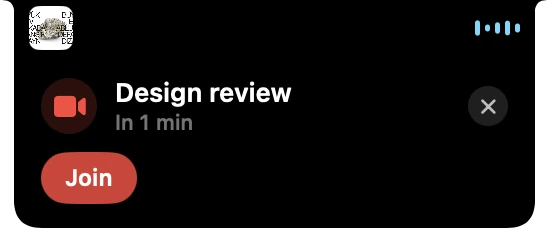
  4. A meeting in a minute. Join from right here.
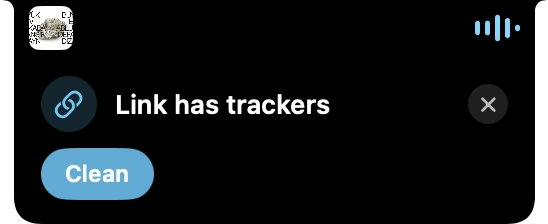
  5. You copied a link with trackers. One click cleans it.
  6. Claude Code needs you, and Codex is still working.
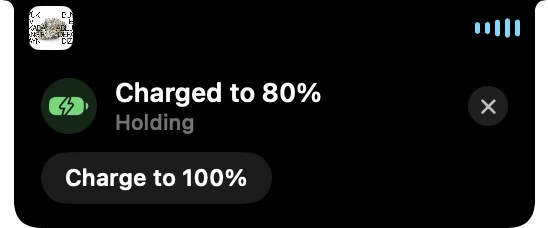
  7. Charged to 80%, where you told it to stop.
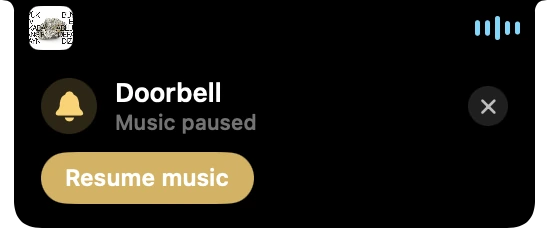
  8. The doorbell, through your headphones. Music paused.
  9. Someone's asking. Answer right here.
  10. The words of your song, under the notch.
Your music

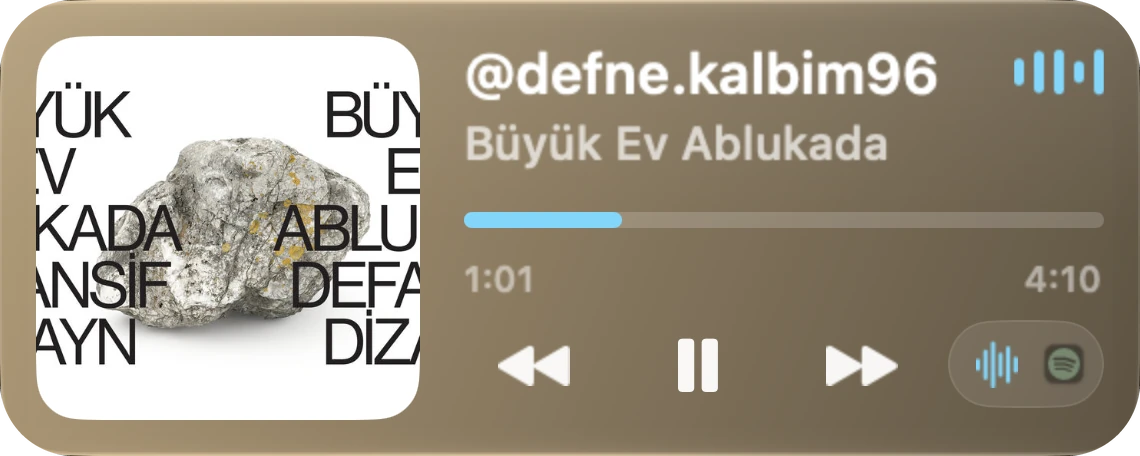
Cover, scrubber and transport for whatever's playing. Pick which player it follows.

A player card: @defne.kalbim96 by Büyük Ev Ablukada, at 1:01 of 4:10.

Weather

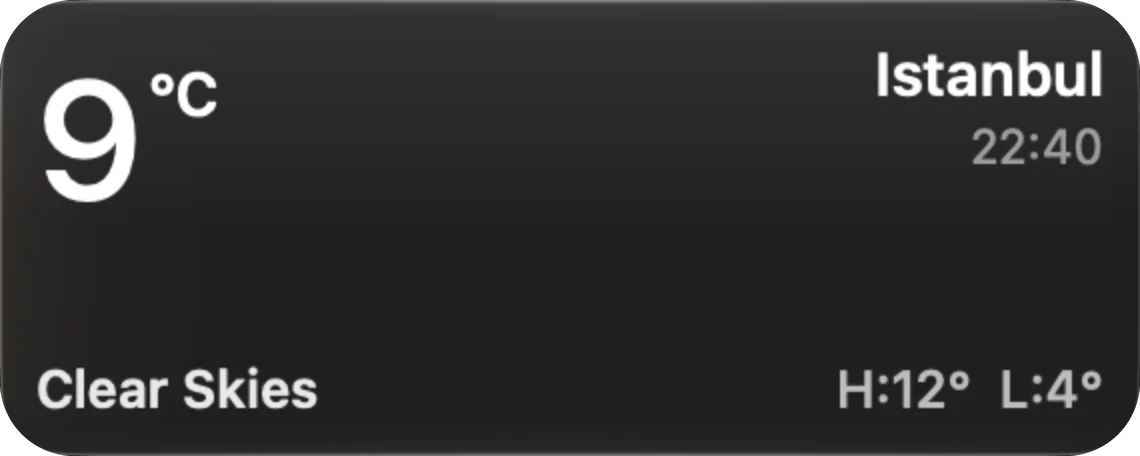
The temperature where you are, with the next few hours one tab away.

A weather card: 9 degrees and clear in Istanbul.

The next hour

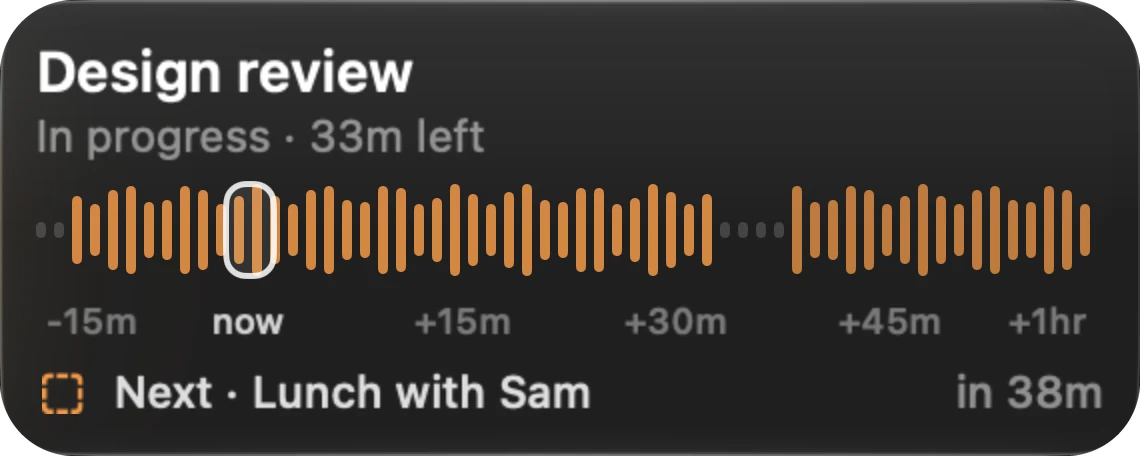
Your events as bars on a timeline, so you can see if there's time for a coffee.

A calendar card: Design review in progress with 33 minutes left, then Lunch with Sam in 38 minutes.

Files and AirDrop

Drop files on the notch for later, kept for a day. Or send them with AirDrop.

The Shelf: five files and an AirDrop tile.

Your agents

Claude Code, Codex and opencode show in the closed notch, working or waiting on you.

The orange Claude Code glyph, rippling while it works.
The blue Codex glyph, a question mark pulsing when it needs you.
The white opencode glyph, rippling while it works.

Notices you answer

Your charge limit, a meeting, a link with trackers. Point at one on the notch and it opens, with its buttons.

A notice: Link has trackers, with Clean. A notice: Charged to 80 percent, with Charge to 100 percent. A notice: Design review in a minute, with Join.

Everything in the panel.

Tabs along the top, and the apps you install get tabs too. Pick any accent color, like these.

Everything you copied

Type to search. Chips narrow it to links, code, secrets or pinned, and secrets stay under invisible ink.

History: search, chips and copied items, with secrets hidden.

Notes

Plain Markdown files in a folder you choose. Tick checklists right on the card.

Notes: a writer and cards, one with a checklist.

2FA codes

Locked with Touch ID, and exported as Google Authenticator transfer codes whenever you like.

Auth: five accounts with six digit codes and countdown rings.

Scripts

Small scripts in any language, one tap away. They take your clipboard or latest note.

Scripts: tiles for Base64 Encode, JSON Pretty, Slugify, Uppercase and Word Count.

Sous

Battery health: charge limit, sailing, heat protection. And where the power is going.

Sous: charging at 64 percent, a limit of 80, power flow and battery health.

Temper

Temperatures, thermal pressure and fan control. Leave the fans to macOS, set them by hand, or draw a curve.

Temper: 52 degrees, running cool, thermal pressure, CPU load and fan control.

Extra apps, if you want them.

None of these are there until you install them from Settings.

Decant

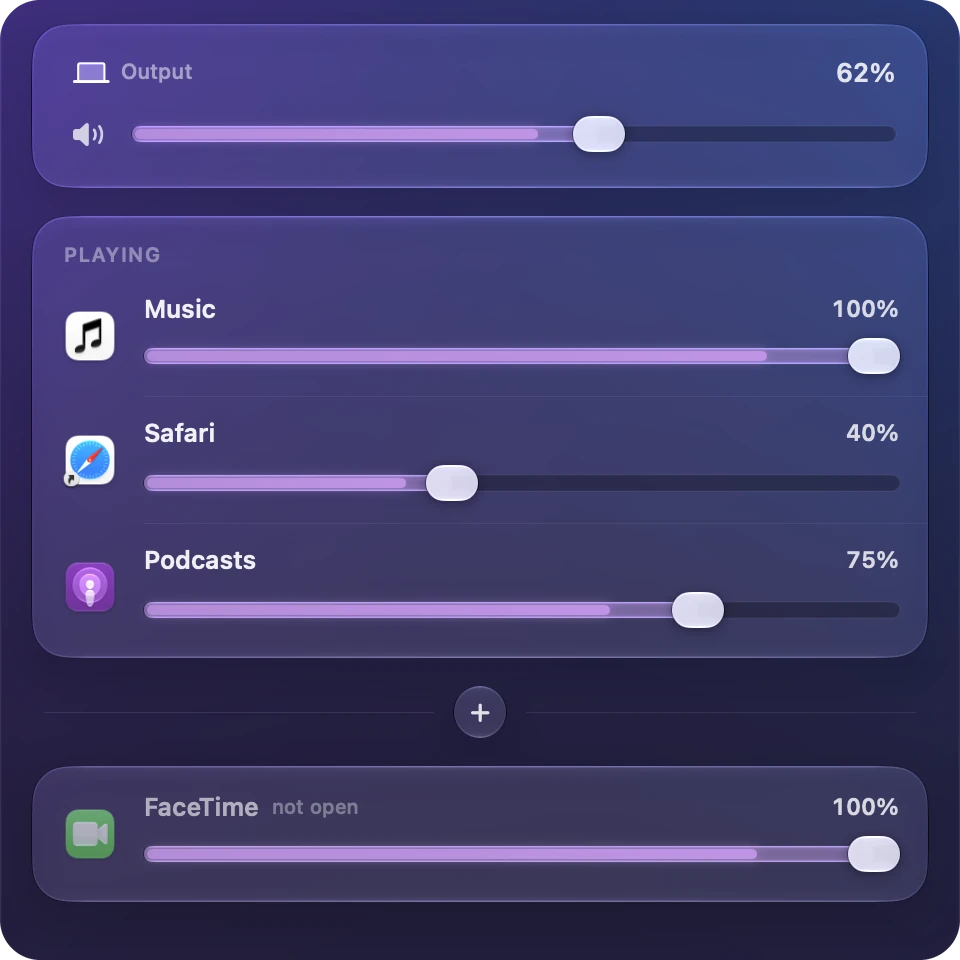
App-level volume control. Turn one app down without touching the rest, mute it, boost a quiet one, or send it to different speakers. Live meters show who's making the sound.

Decant: the output volume, then a fader for Music, Safari and Podcasts, and FaceTime kept below.

Caffeine

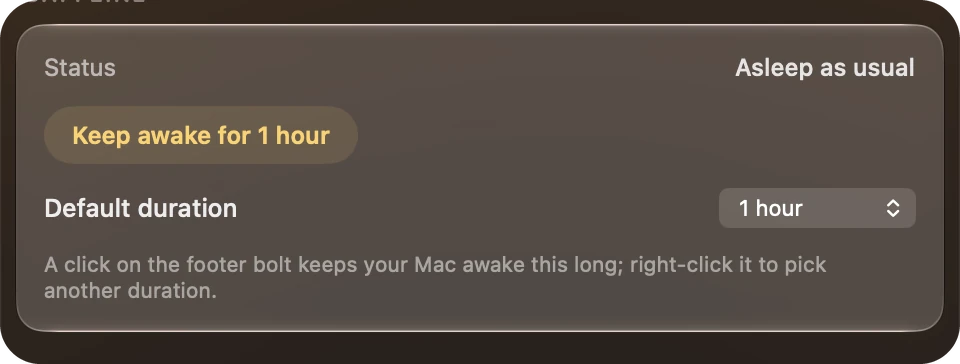
Keeps the Mac awake for a set time, from one click in the footer. This button does it for real.

Caffeine settings: status, keep awake for 1 hour, and the default duration.

Focus

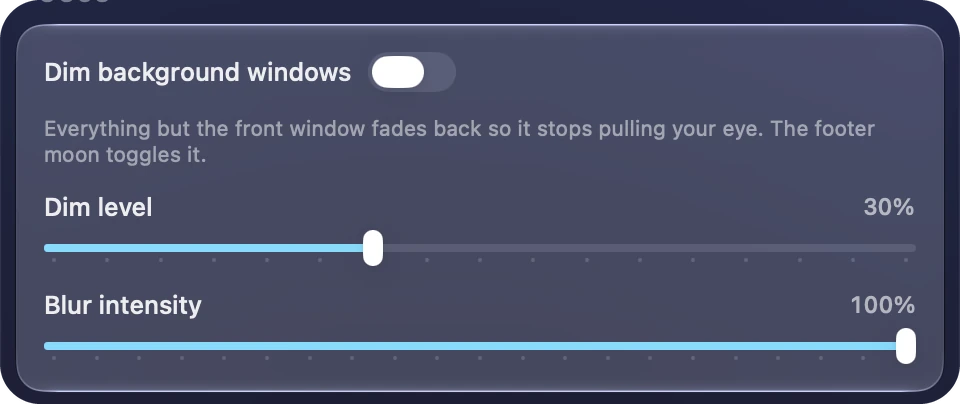
Fades and blurs every window but the front one, so it stops pulling your eye.

Focus settings: a switch to dim background windows, the dim level and the blur intensity.
A notice: Doorbell, music paused, with Resume music.

Ears On

Listens for the doorbell, knocking, alarms and other sounds while you wear headphones, and pauses your music. Nothing is recorded or sent.

The closed notch.A lyric line in a glass pill under the notch.
ScreenLyrics

Synced lyrics for the song that's playing, in a small glass pill. Seven sizes, and it steps aside when the notch opens.

The notch showing Volume at 62.

FnGestures

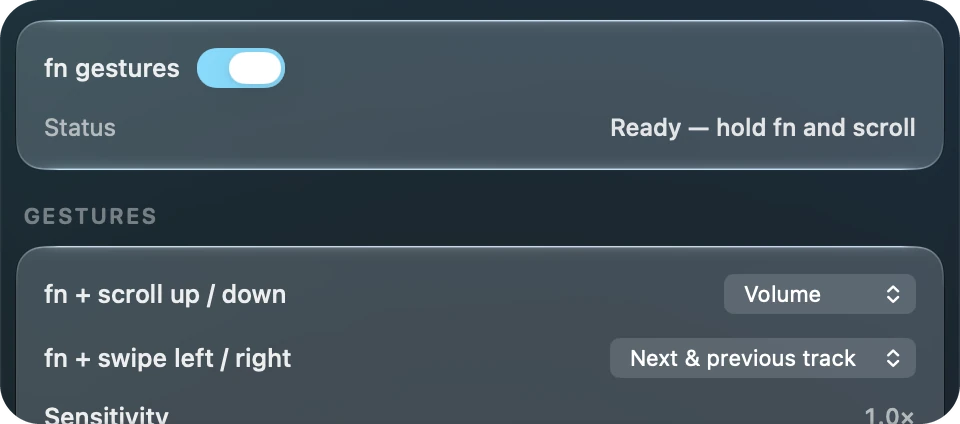
Hold fn and scroll for volume or brightness. Flick sideways for the next or previous track.

FnGestures settings: ready, then what fn and scroll and fn and swipe do.
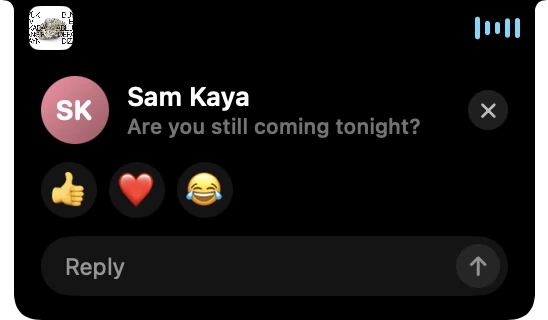
A message from Sam Kaya, with reactions and a reply field.

NotchsApp

WhatsApp in the notch, from the community. Read, reply and react from a tall notch tab, and answer new messages right on the notice.

It stays on your Mac.

No account

And no analytics. If Oxine crashes, it asks before sending anything.

Your files

Notes are plain files in a folder you choose. Clipboard history and 2FA codes are in your keychain.

What goes online

Weather, updates and store apps from GitHub, and lyrics if you install ScreenLyrics.

Get it.

Free and open source. 2.6.0, macOS 26 or later.

Download for MacSource on GitHub

  1. Download the latest release and drag Oxine to Applications.
  2. Right-click it and choose Open. It's self-signed, so macOS asks the first time.
  3. The first run walks you through color, size, the notch and your tabs. After that, ⌘⇧V opens the panel.

Questions.

Yes. It's open source under GPL-3.0, with no account and no paid tier.

Oxine is self-signed, so macOS asks before opening it. Right-click it and choose Open. You only do this once.

No. Settings has "Show on displays without a notch", which puts one at the top of an external display. The panel works on any screen.

Clipboard history and 2FA codes stay in your keychain on your Mac. Copied passwords and API keys show under invisible ink until you click the eye.

Yes. Paste a creator/repo into the search box in Settings, Apps to install one from GitHub. NotchsApp is one of these.